This Guide Is About Setup, Not "Should You"
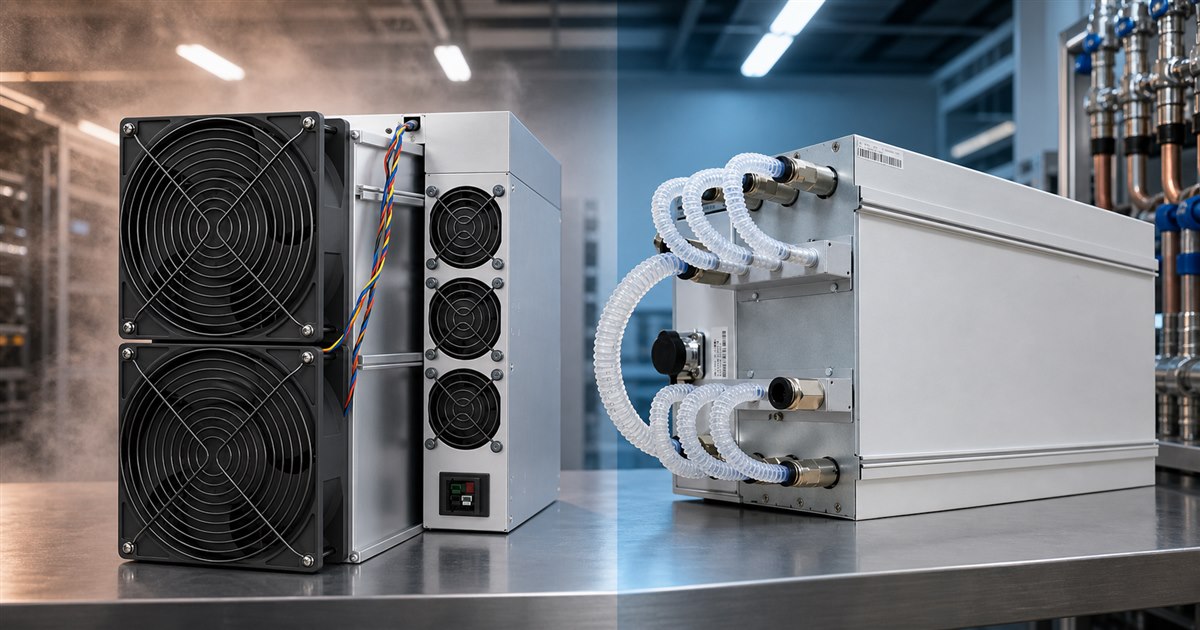
If you're still deciding whether hydro cooling is the right call, read our hydro vs air comparison first. This guide assumes you've made that call and walks through what actually has to happen to run a hydro loop reliably: choosing coolant, sizing the pump and radiator, picking fittings that won't fail at year three, and the maintenance routine that keeps a six-figure fleet from turning into a support ticket.
Everything below applies whether you're running a single factory hydro unit in a garage or a rack of them on a shared loop.
Factory Hydro vs. DIY Conversion
Two paths get you to liquid-cooled hashboards:
The rest of this guide covers the loop itself, the parts, the fluid, the fittings, and the maintenance, because that's the part that's identical whether you bought factory hydro or built your own.
Choosing Coolant
This is the single most-skipped decision in a DIY build, and it matters more than pump brand or radiator size.
Whichever fluid you choose, never mix coolant types mid-loop, and flush thoroughly before switching.
Sizing the Pump and Radiator
There's no universal number here, the right pump and radiator size depend on your specific miner's heat load and how many units share the loop, but the underlying principles hold for any build:
Fittings and Leak Prevention
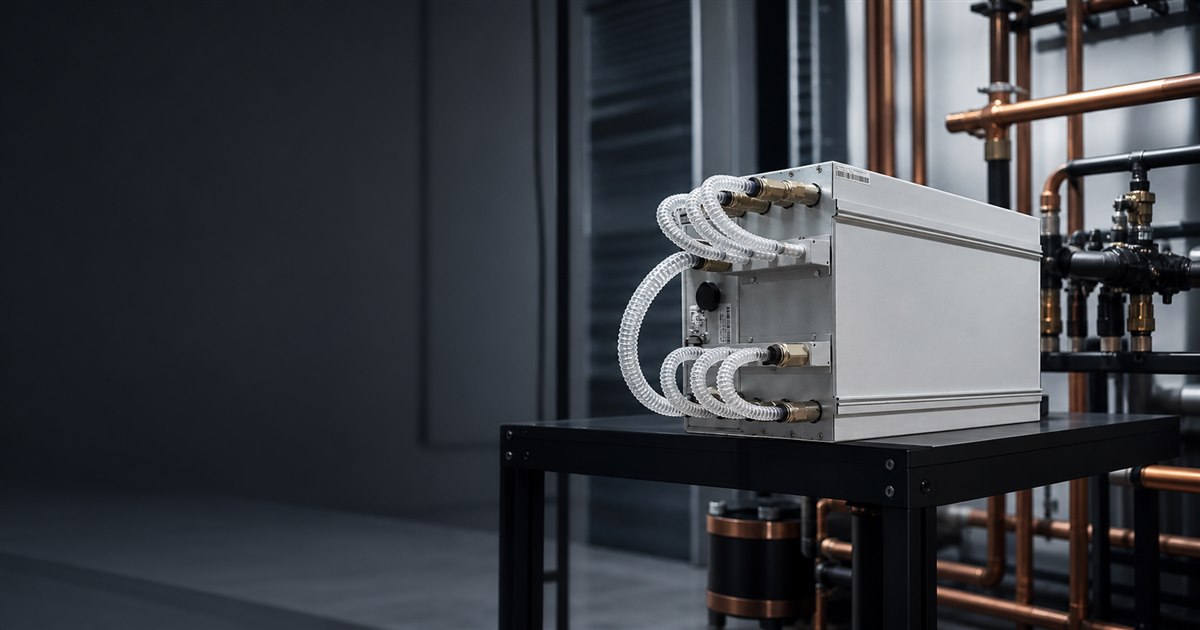
A loop that runs 24/7 for years needs fittings rated for continuous duty, not the quick-disconnects on a gaming PC loop that gets opened every few months.
If a fitting does leak, the standard response is: cut power to the affected miner immediately, isolate that section of the loop if it's a shared system, and don't re-energize the board until it's fully dry and you've confirmed no coolant reached the PCB. A slow weep caught early is a fitting replacement. Coolant that reaches a live board is a hashboard repair.
Installation, Step by Step
Step 1, Prepare the miner (DIY conversions only). Disassemble the unit, remove stock fans and heatsinks, and clean the hashboards thoroughly before touching any thermal interface.
Step 2, Mount the cold plates. Apply thermal paste evenly and torque each plate down with consistent, even pressure. Uneven contact is the single most common cause of thermal throttling in DIY hydro builds.
Step 3, Connect the plumbing. Route cold plates in series or parallel depending on your kit's design, using fittings sized for the loop's total flow rate.
Step 4, Install the radiator and pump. Mount the radiator somewhere with real intake and exhaust airflow. Set pump and reservoir height so the pump stays primed.
Step 5, Fill, bleed, and pressure-test. Fill the loop, run the pump to work air bubbles out of the highest points (trapped air is the second most common cause of hydro cooling problems, after bad plate contact), and check every fitting under pressure before the miner is powered on.
Scaling to Multiple Miners: Shared Loops and Manifolds
Running more than a handful of hydro units off individual loops gets expensive and space-inefficient fast. Small farms typically move to a shared loop instead, one radiator and pump bank feeding a manifold that distributes coolant in parallel to each miner's cold plates.
Purpose-built hydro cooling manifolds handle exactly this. Bitmain's own support-cooling lineup, for example, scales from a 6-unit manifold up through 9-, 12-, and 20-plus-unit models, each one a pre-engineered distribution manifold rather than a rack of individual DIY loops; current models and pricing are in our shop. The tradeoff of a shared loop is real: it's more capital-efficient per miner, but a leak or pump failure takes down every unit on that loop at once, not just one. Isolation valves on each branch let you take a single miner offline for service without draining the whole system, worth planning for at build time rather than retrofitting later.
Comparing Real Hydro-Cooled Miners In Stock
Hydro units span a wide range of hashrate and price. Here's a spread from current in-stock inventory:
| Miner | Hashrate | Power | Efficiency | Price |
|---|---|---|---|---|
| Antminer S19 Pro Hyd | 198 TH/s | 5,445W | 27.5 J/TH | $1,350 |
| Whatsminer M63S Hydro | 390 TH/s | 7,215W | 18.5 J/TH | $2,250 |
| Antminer S21e Hydro | 320 TH/s | 5,280W | 16.5 J/TH | $4,050 |
| Antminer S21 XP Hyd | 473 TH/s | 5,676W | 12.0 J/TH | $7,200 |
| Antminer S23 Hydro | 520 TH/s | 5,460W | 10.5 J/TH | $8,100 |
The efficiency curve tells you where the real gains are: the entry-level S19 Pro Hyd sits at 27.5 J/TH, while the newest S23 Hydro is under half that at 10.5 J/TH. That difference compounds daily on your power bill, worth weighing against upfront price when you're sizing a loop investment that will likely outlast more than one generation of miner.
Full specs, current stock, and additional hydro models are in our shop.
Maintenance Schedule
Spare Parts Worth Keeping On Hand
For anyone running hydro at more than single-unit scale, a small parts shelf saves real downtime: a spare pump, a couple of replacement hydro power cables, and, if you're running Bitmain hardware, a spare hashboard control board. We stock these as standalone parts precisely because a pump or cable failure shouldn't take a whole miner offline while you wait on a full replacement unit. Check current stock in the shop.
Shipping and Warranty
Factory hydro units and spare parts ship worldwide via DHL, a flat $150, or free on orders over $5,000. Hydro miners carry the same manufacturer warranty as their air-cooled counterparts, typically 6-12 months depending on brand, and it can be extended to 18 months through our paid Premium Guarantee. Full terms and how to file a claim are on the repair and warranty page.